Anna Ivleva
Photo Retoucher
Welcome!
I’m a professional retoucher with over 15 years of experience in Adobe Photoshop. With a deep passion for perfecting images and a keen eye for detail, I specialize in transforming photos into flawless visual masterpieces. Explore my portfolio to see how I can elevate your images to the highest standards.
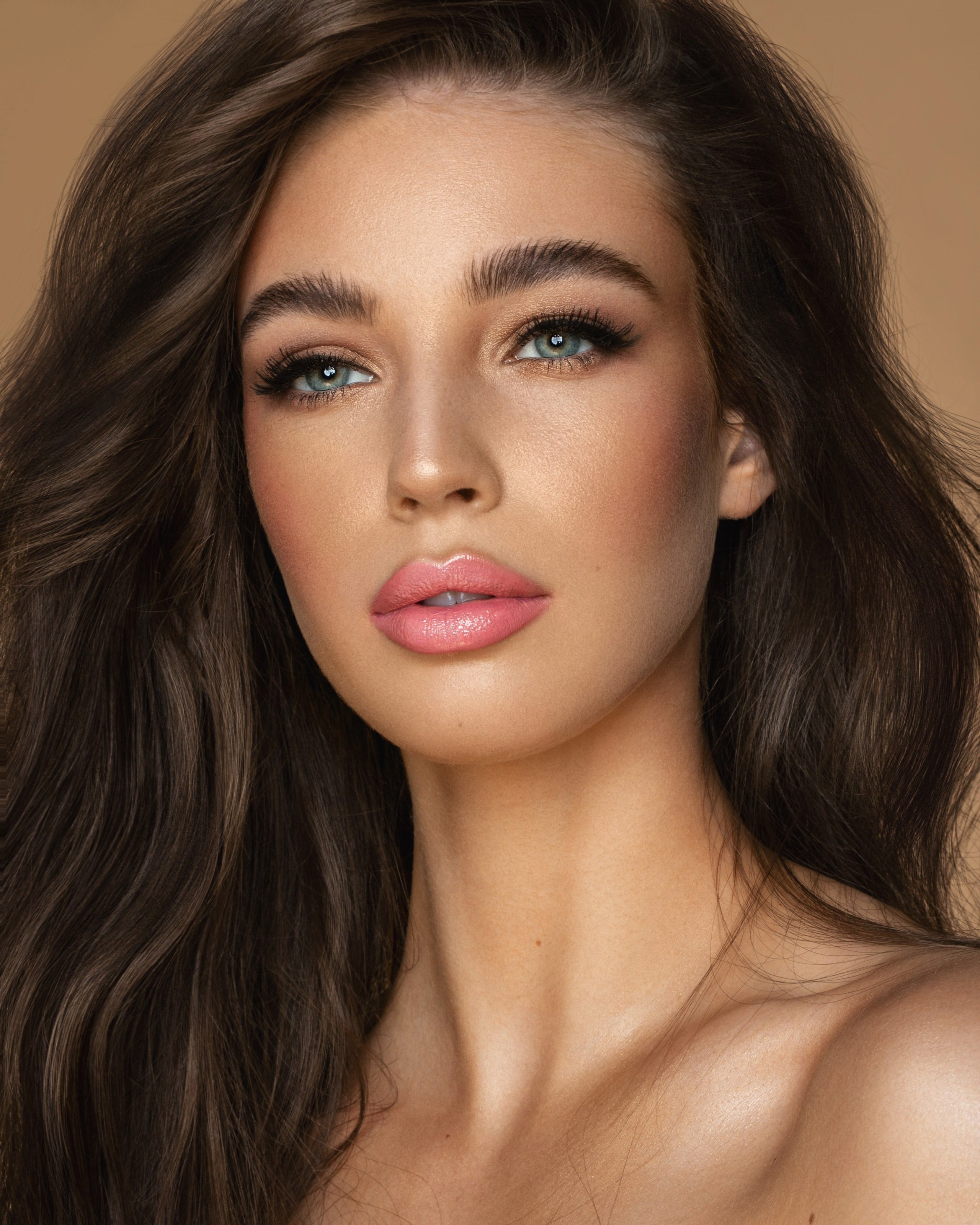
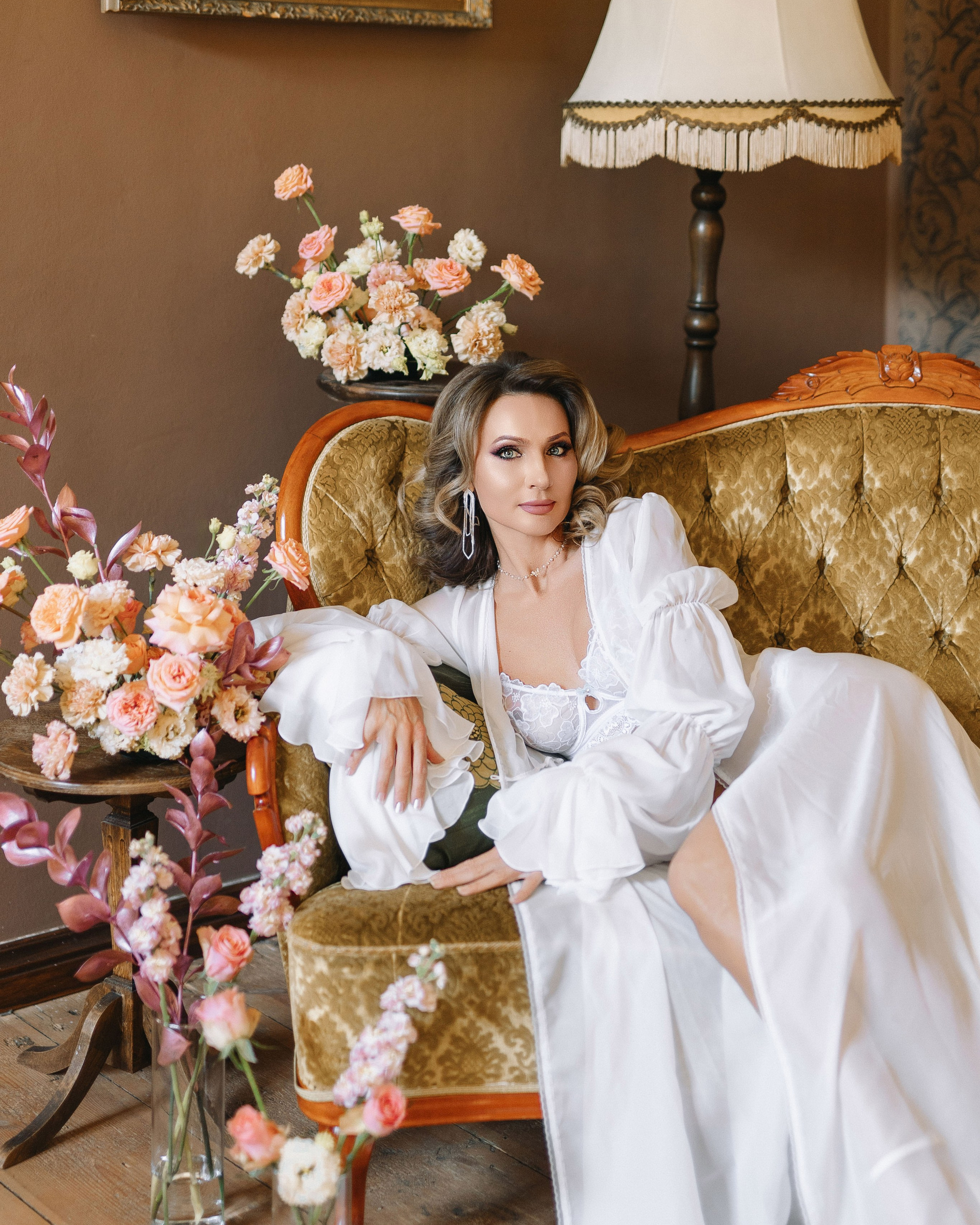

Retouch
I am a photographer and retoucher with over 15 years experience in Adobe Photoshop.
Skills:
• Deep skin retouch, skin tones balancing
• Batch of images
• Working with high quality images
• Color, light correcting and balancing
• Sharpening, resizing, cropping
• Extending, seaming, replacing, addition and removing background or details
• Using different methods depending of objective and original image
• Preparing images for photo stocks
• Working with textures — correction and cleaning
Hi-end Retouch
Detailed Skin Retouching: Smoothing skin and removing blemishes.
Precision Color Correction: Adjusting colors for a perfect look.
Advanced Sharpening: Enhancing image clarity.
Background Manipulation: Adding or removing backgrounds seamlessly.
Detail Enhancement: Refining fine details like hair and eyes.
Artifact Removal: Eliminating distractions and imperfections.
Cropping and Resizing: Adjusting dimensions while maintaining quality.
15€ / photo
Retouch + color correction
Skin Retouching: Smoothing skin, removing blemishes, and evening out skin tones.
Detail Enhancement: Refining features such as teeth whitening
Color Correction: Adjusting and balancing colors to achieve a natural and vibrant look.
Exposure and Contrast Adjustment: Fine-tuning brightness and contrast for optimal clarity.
5€ / photo
Color Correction
Adjusting Color Balance: Correcting color casts and ensuring accurate color reproduction.
Exposure Correction: Modifying brightness and contrast to enhance image visibility.
White Balance Adjustment: Ensuring colors appear natural and true to life.
Saturation and Vibrancy Adjustment: Enhancing or reducing color intensity for a balanced look.
Contrast Enhancement: Improving the difference between light and dark areas for better definition.
Tone Mapping: Balancing highlights and shadows to achieve a consistent tonal range.